SQL Server 2025
- Released
- 18 Nov 2025
- Latest
- CU7 ·
17.0.4065.4 - End of support
- 7 Jan 2036
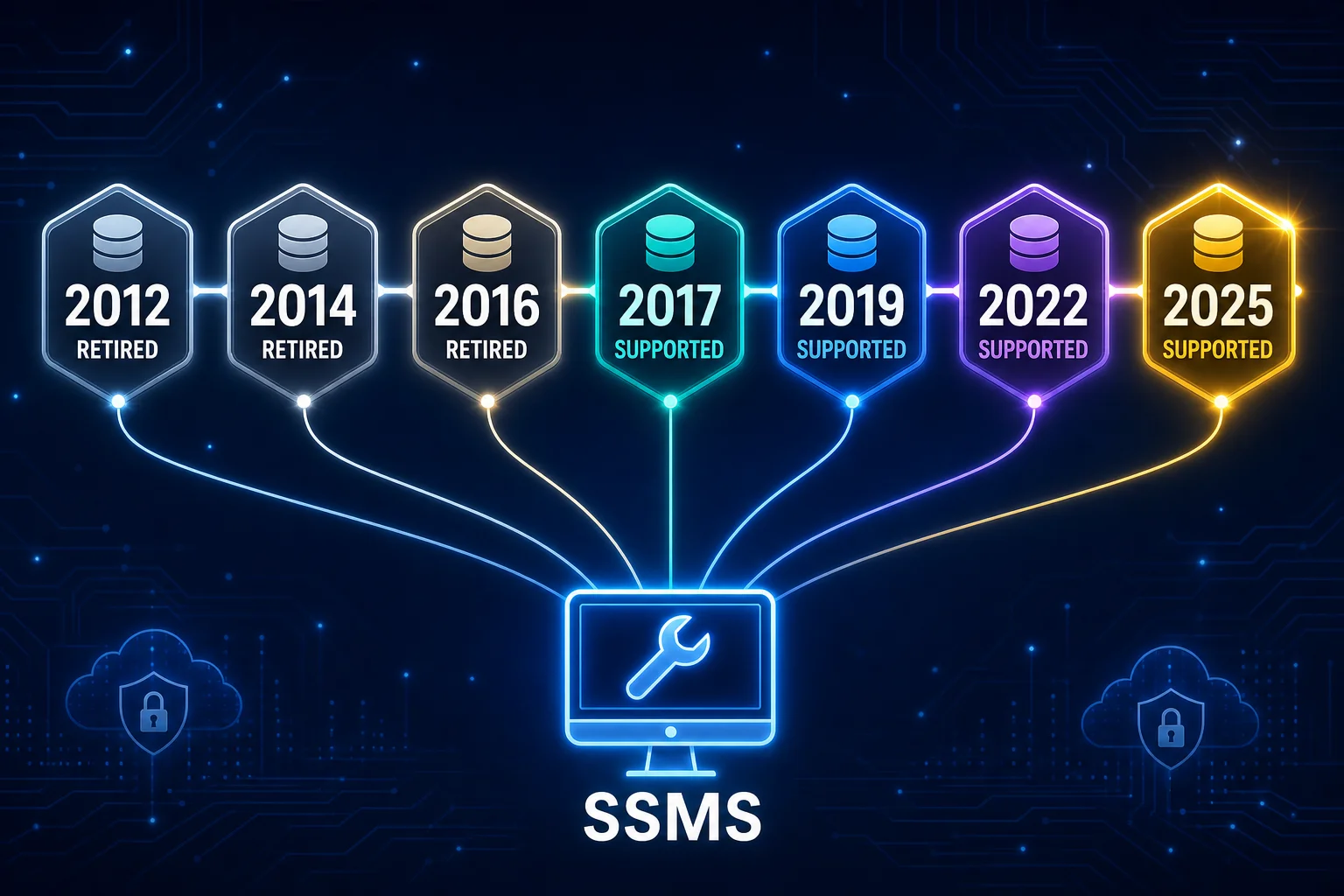
Two releases still in mainstream support, two more in extended support, ten retired — and one tool, SSMS, that has managed every single one of them since 1995.
17.0.4065.4Dallas
16.0.4265.3Aris Seattle
15.0.4430.1vNext
14.0.3456.2| Version | Codename | Released | Latest | Build | End of support | Status |
|---|---|---|---|---|---|---|
| SQL Server 2025 | — | 18 Nov 2025 | CU7 | 17.0.4065.4 | 7 Jan 2036 | Current |
| SQL Server 2022 | Dallas | 16 Nov 2022 | CU26 | 16.0.4265.3 | 11 Jan 2033 | Current |
| SQL Server 2019 | Aris Seattle | 4 Nov 2019 | CU32 | 15.0.4430.1 | 8 Jan 2030 | Extended support |
| SQL Server 2017 | vNext | 2 Oct 2017 | CU31 | 14.0.3456.2 | 12 Oct 2027 | Extended support |
| SQL Server 2016 | — | 1 Jun 2016 | SP3 | 13.0.6300.2 | 14 Jul 2026 | Retired |
| SQL Server 2014 | — | 1 Apr 2014 | SP3 CU4 (final) | 12.0.6329.1 | 9 Jul 2024 | Retired |
| SQL Server 2012 | Denali | 6 Mar 2012 | SP4 (final) | 11.0.7001.0 | 12 Jul 2022 | Retired |
| SQL Server 2008 R2 | Kilimanjaro | 21 Apr 2010 | SP3 (final) | 10.50.6000.34 | — | Retired |
| SQL Server 2008 | Katmai | 7 Aug 2008 | SP4 (final) | 10.0.6000.29 | — | Retired |
| SQL Server 2005 | Yukon | 7 Nov 2005 | SP4 (final) | 9.0.5000 | — | Retired |
| SQL Server 2000 | Shiloh | 30 Nov 2000 | SP4 (final) | 8.0.2039 | — | Retired |
| SQL Server 7.0 | Sphinx | 27 Nov 1998 | SP4 (final) | 7.0.1063 | — | Retired |
| SQL Server 6.5 | Hydra | 30 Jun 1996 | SP5 (final) | 6.50.416 | — | Retired |
| SQL Server 6.0 | SQL95 | 13 Jun 1995 | (final) | 6.00.151 | — | Retired |
No versions match that search.
Build/CU numbers for 2012 onward from sqlserverbuilds.blogspot.com, updated within days of each release. End-of-support dates from Microsoft's own Lifecycle pages — not published for 2008 R2 and earlier, long past any support window. Both move faster than this snapshot — check them directly for anything you're about to act on.
2016 joined 2012 and 2014 on the retired list on 14 July 2026 — no more free security fixes from Microsoft, full stop, for an instance running standalone. That's not actually where most 2012/2014/2016 instances end up, though. Azure Arc-enabled SQL Server is a lightweight agent you install on the box — on-prem, in a VM, in another cloud, doesn't matter — that registers the instance with Azure without moving or touching the data. Once it's Arc-connected, Microsoft will sell (and for Software Assurance customers, sometimes include) Extended Security Updates for that retired version — the same critical and security fixes a supported version still gets — for up to three more years past its official end-of-support date, delivered the same way normal CUs always were.
It also buys more than patches: Arc surfaces the instance in the Azure portal alongside everything else, extends Defender for Cloud's vulnerability assessment to it, and gives you a single inventory of every SQL Server instance you run — 2012 through 2025 — regardless of where it physically lives. For a 2012 or 2014 box that can't be migrated on anyone's realistic timeline, that's the difference between "unsupported and exposed" and "unsupported and still getting fixed."
SELECT @@VERSION tells you the build, not the story. A build number maps to a specific set of fixes — and specific, sometimes serious, bugs that were fixed after it. Knowing where an instance sits on this timeline — current, extended, or retired, and whether Extended Security Updates are even an option for it — is the first question before diagnosing anything else on it: half of "this is slower than it used to be" turns out to be a missing CU, not a missing index.